Desk setup ideas with a laptop and monitor: map the actual task

Updated: Nov 17
A laptop and monitor setup should follow the work you actually do. Start with how your eyes, hands and materials move between tasks.
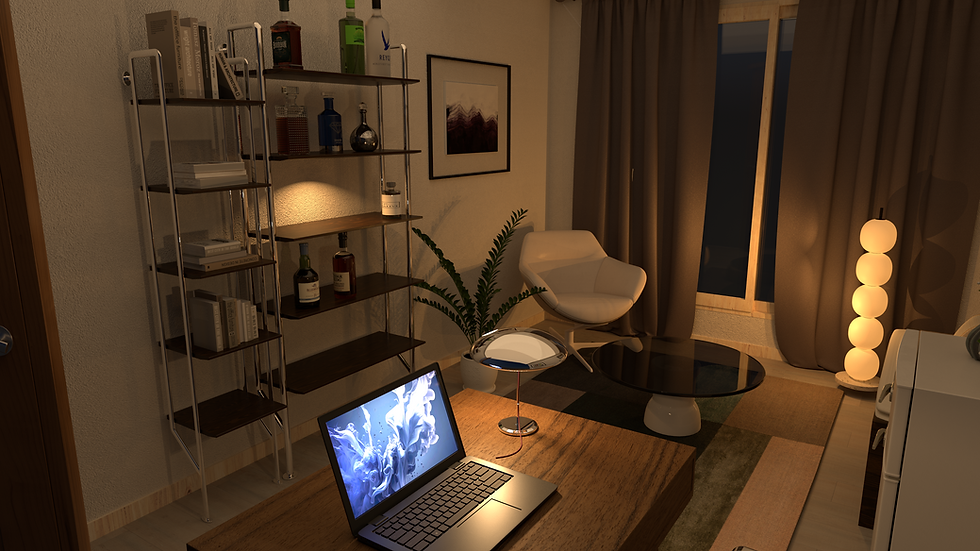
Allanberry Rooms design visualisation — Calm Corner. A working surface and a place to pause share this small setting.
See this design in our project portfolio.
Lay out the actual equipment first, then review screen use, input devices, cables and the things you reach for repeatedly.

Allanberry Rooms apartment design proposal.
Decide what each screen does
Notice whether you use one display most of the time or regularly switch between them.
Keep the arrangement connected to that pattern instead of copying a symmetrical photograph that does not match your work.
The HSE display-screen workstation checklist covers screens, input devices, furniture and the surrounding environment.
Use it to review a real setup rather than treating a desk image as ergonomic approval.
Give the active task enough surface
Put out the keyboard, pointing device and any documents used together. A setup can look spacious with everything pushed back while leaving too little room during an ordinary task.
Keep frequently used objects where they can be reached practically. Less-used stationery and decorative objects can move away from the working area without losing their place in the room.
Plan the connections and the end of the day
Follow equipment instructions for power, ventilation and connections. Check how devices disconnect when the laptop leaves the desk and where cables wait without becoming a route across the room.
For an original shared-room example, the monitor remains at the work surface, a small tray holds the active papers and the laptop can leave with its own charger.
The table is reviewed in its working state and its cleared state.
A practical setup review
Which screen do you use for the main task?
Can you work without crowding the input devices?
Are reflections or exposed light sources interfering?
Where do papers and portable equipment go afterwards?
If discomfort or individual access needs are involved, obtain appropriate assessment rather than relying on a generic equipment list. An extra screen or stand is not automatically the right solution.
Continue with making work fit around home life or comparing desk positions in a small bedroom.


Comments